

.stacknext/snapshots. It is evidence from the save time, not live telemetry.
Snapshots are never replayed into the collector and snapshot reads carry no live
diagnostics or coverage.
Create
stacknext dev can also save automatically on graceful exit and on the first
error, with a 60-second cooldown. Automatic behavior is configured under
snapshots in stacknext.config.json:
Manual and imported snapshots are never auto-deleted. Automatic exit/error
snapshots rotate beyond
autoKeep. Oversized saves fail instead of truncating.Inspect
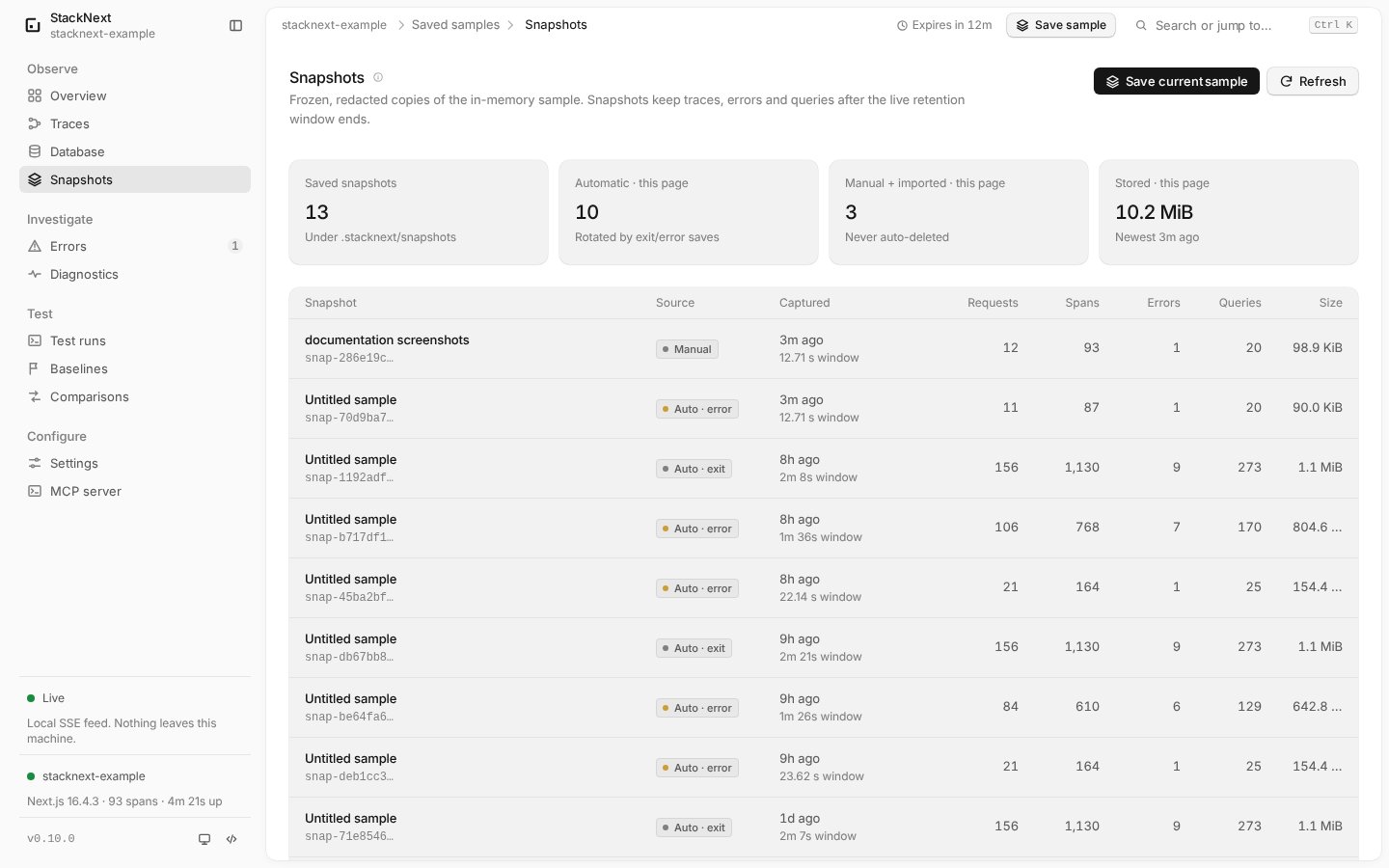
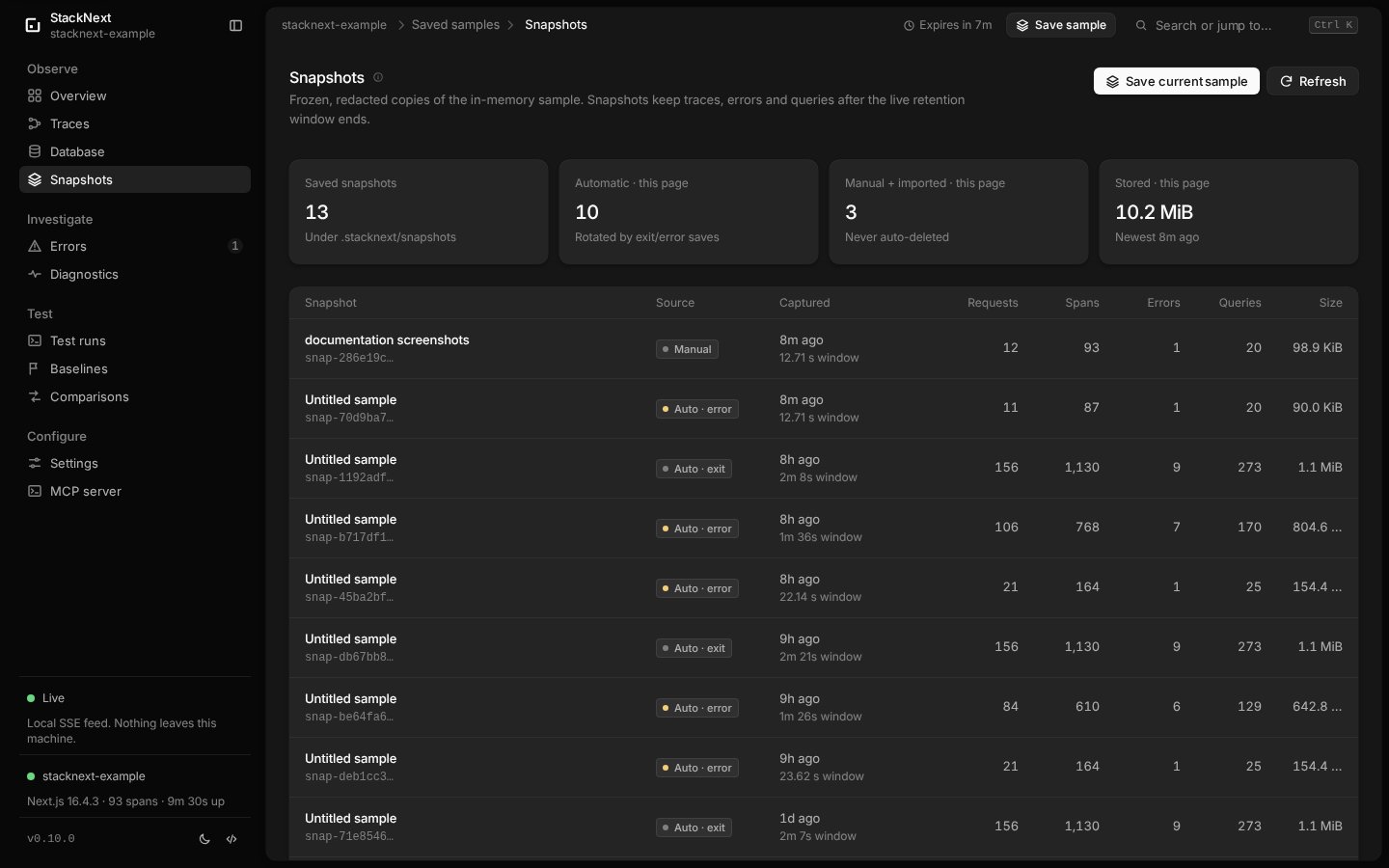
/snapshots page shows the sample window, counts, traces, errors
and queries. If the snapshot was saved before a change, say so when reporting
evidence.
Export and import
0600 permissions. Imports are
re-normalized and re-redacted, so a modified file cannot introduce unredacted
fields. Import is not a live replay.
Delete
MCP boundary
The three snapshot MCP tools are read-only:stacknext_list_snapshotsstacknext_get_snapshotstacknext_get_snapshot_trace